Cancel Subsription
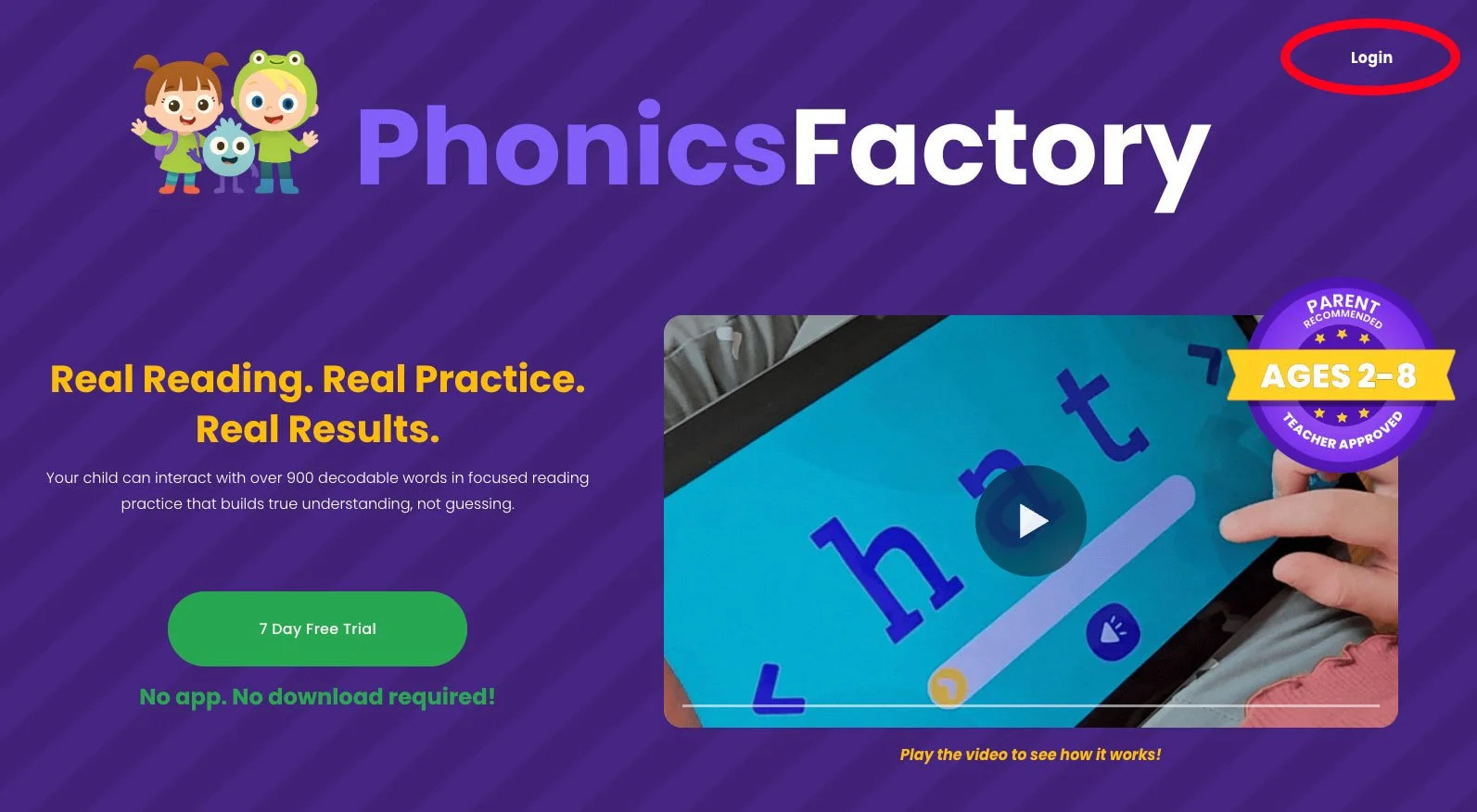
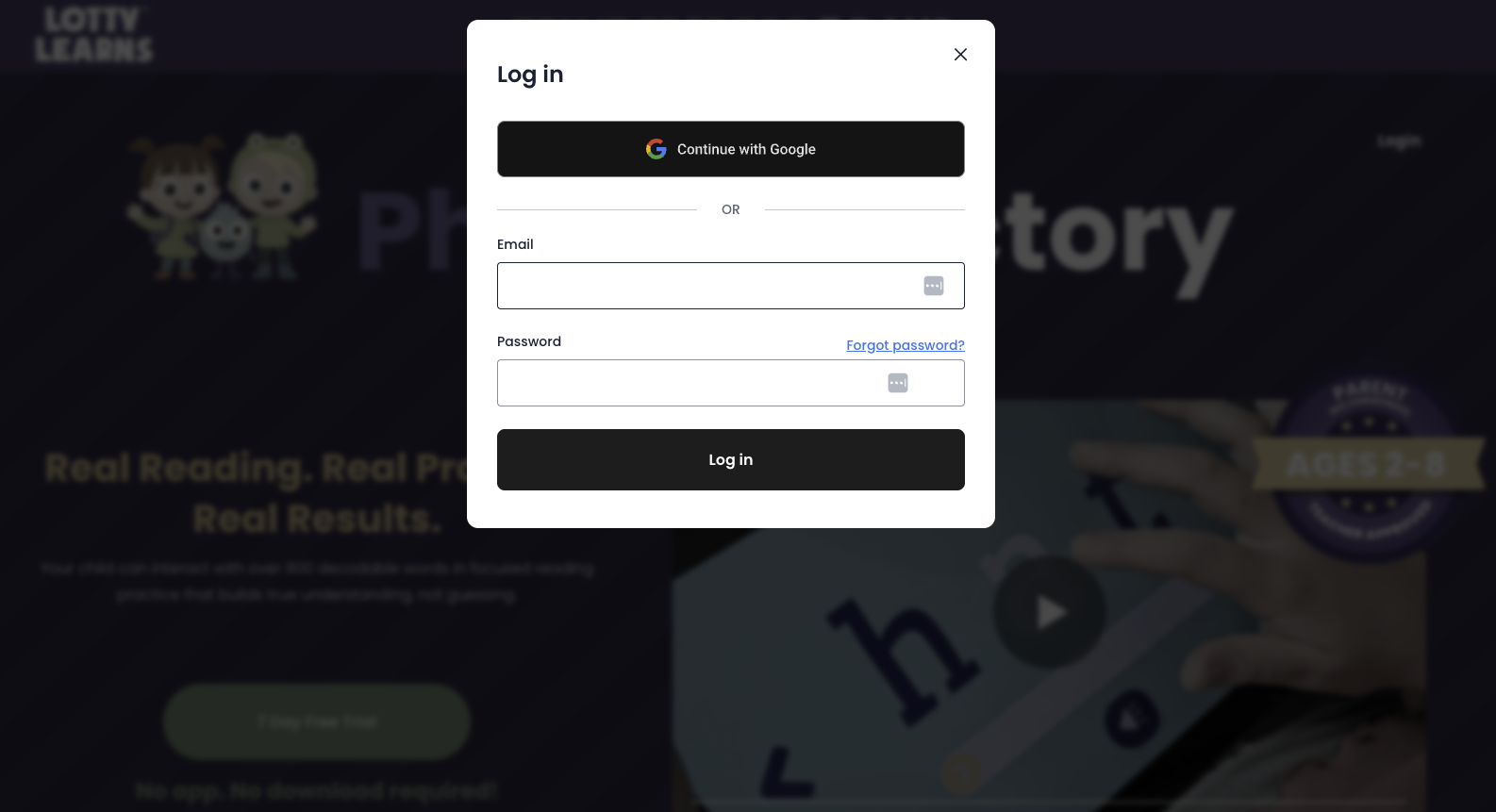
1. Log in to your account. Visit lottylearns.com and log in with your email and password.
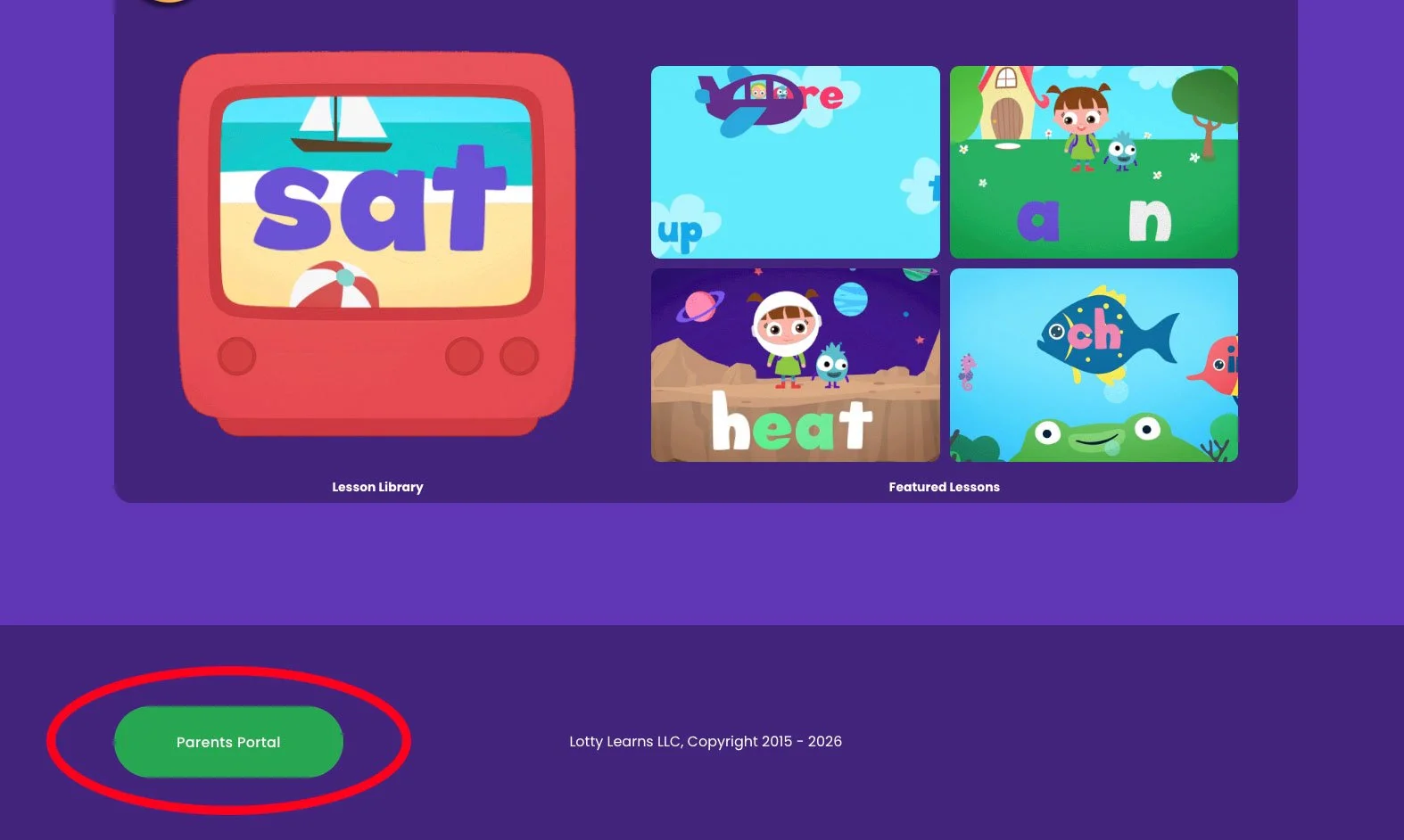
2. Go to the Parent Portal. Once inside the members area, scroll to the very bottom of the page and click the Parent Portal button. You will need to answer a simple math problem to enter.
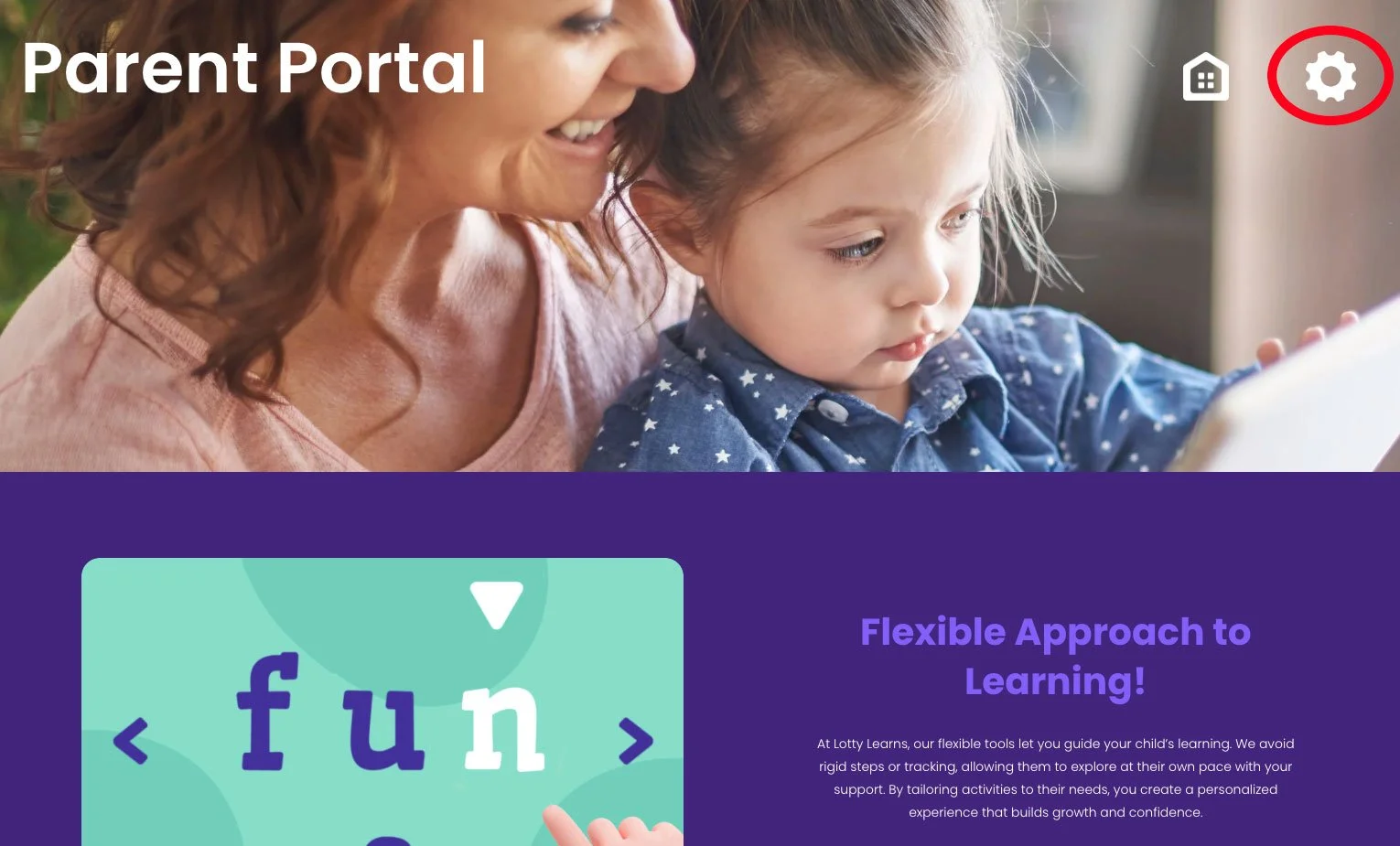
3. Open Settings. Inside the Parent Portal, click the gear icon in the top navigation.
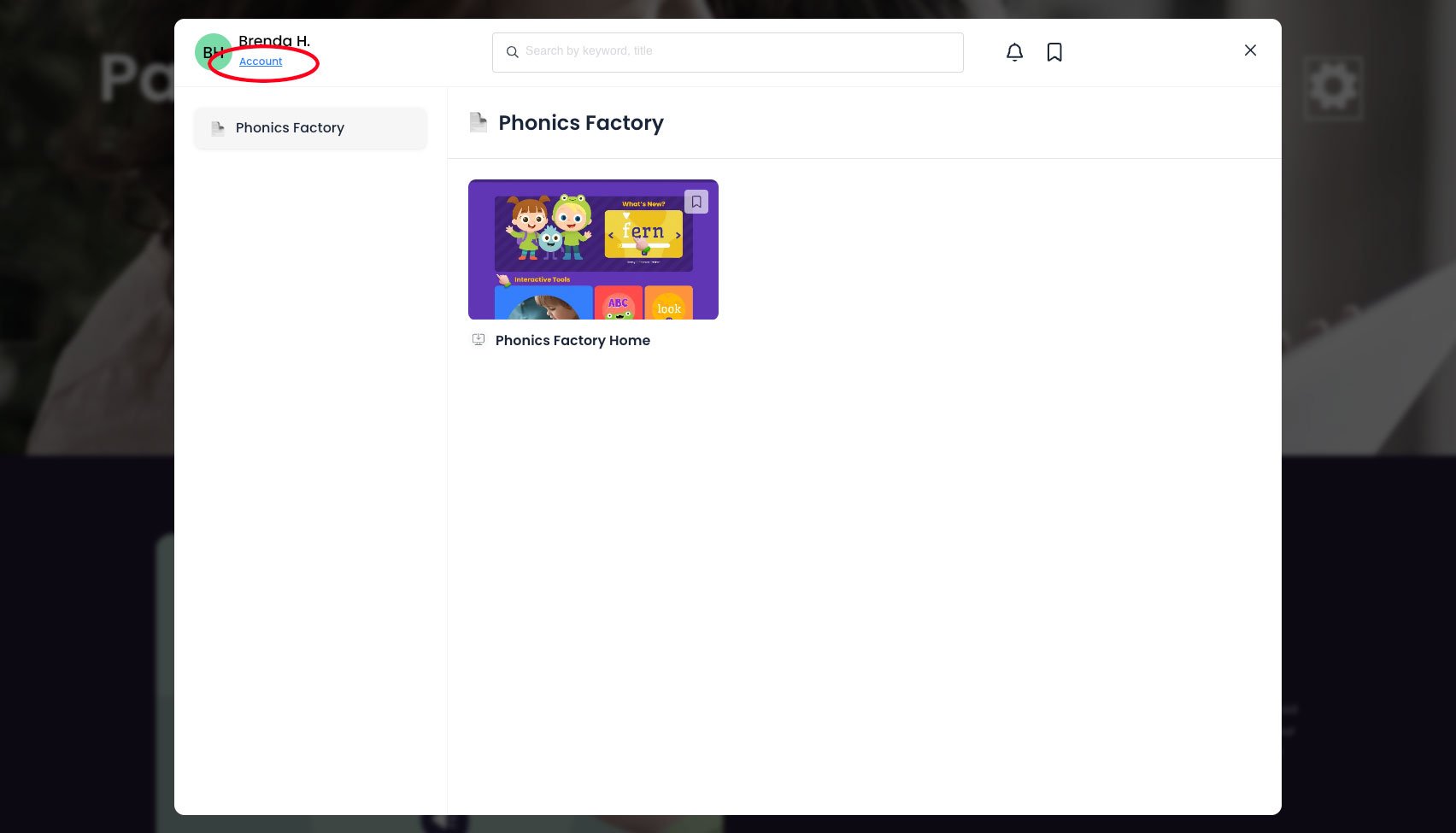
4. Go to Account. Click the Account button to open your account details.
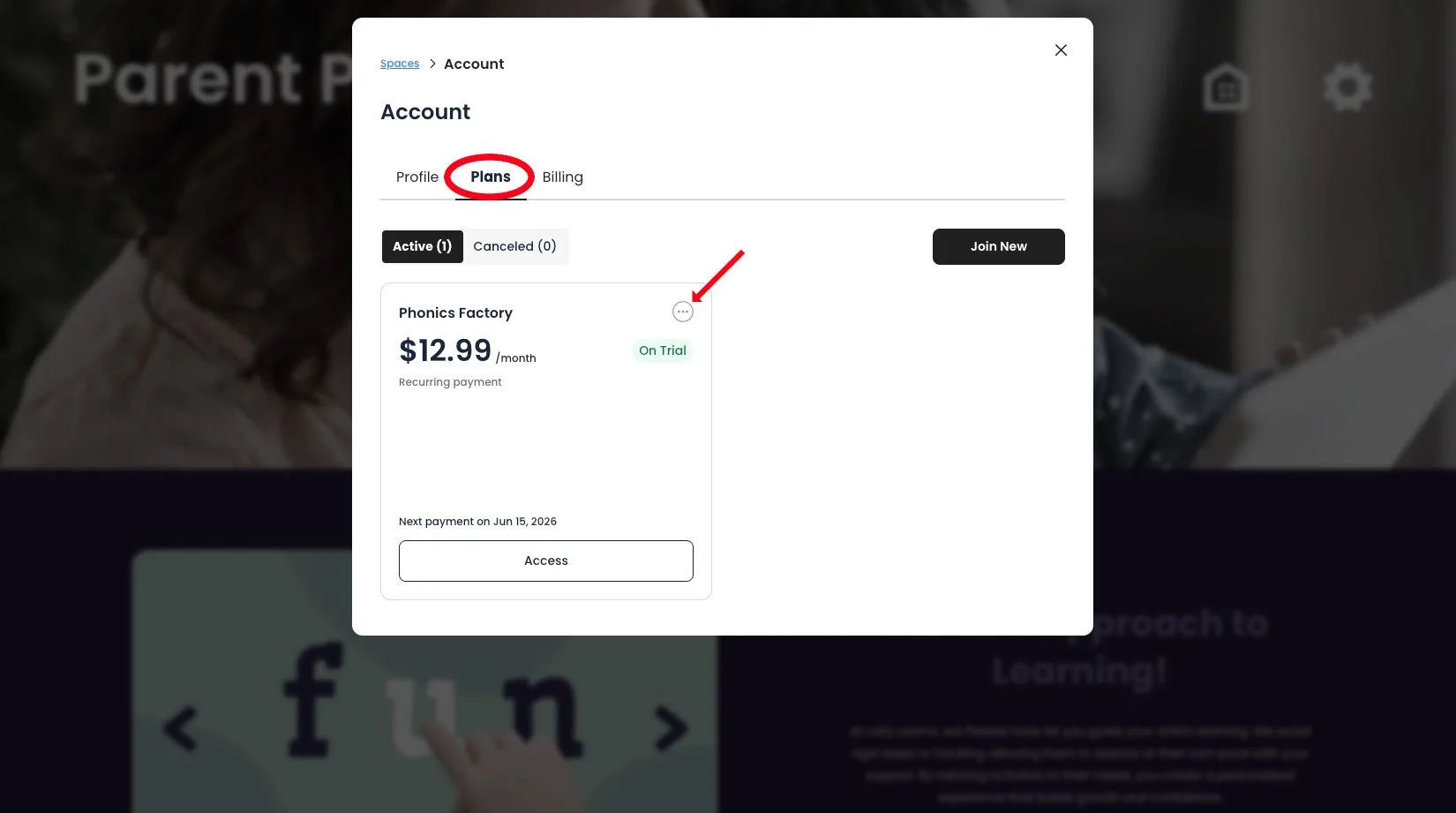
5. Open the Plans tab. Click the Plans tab, then click the three dot button on your active plan.
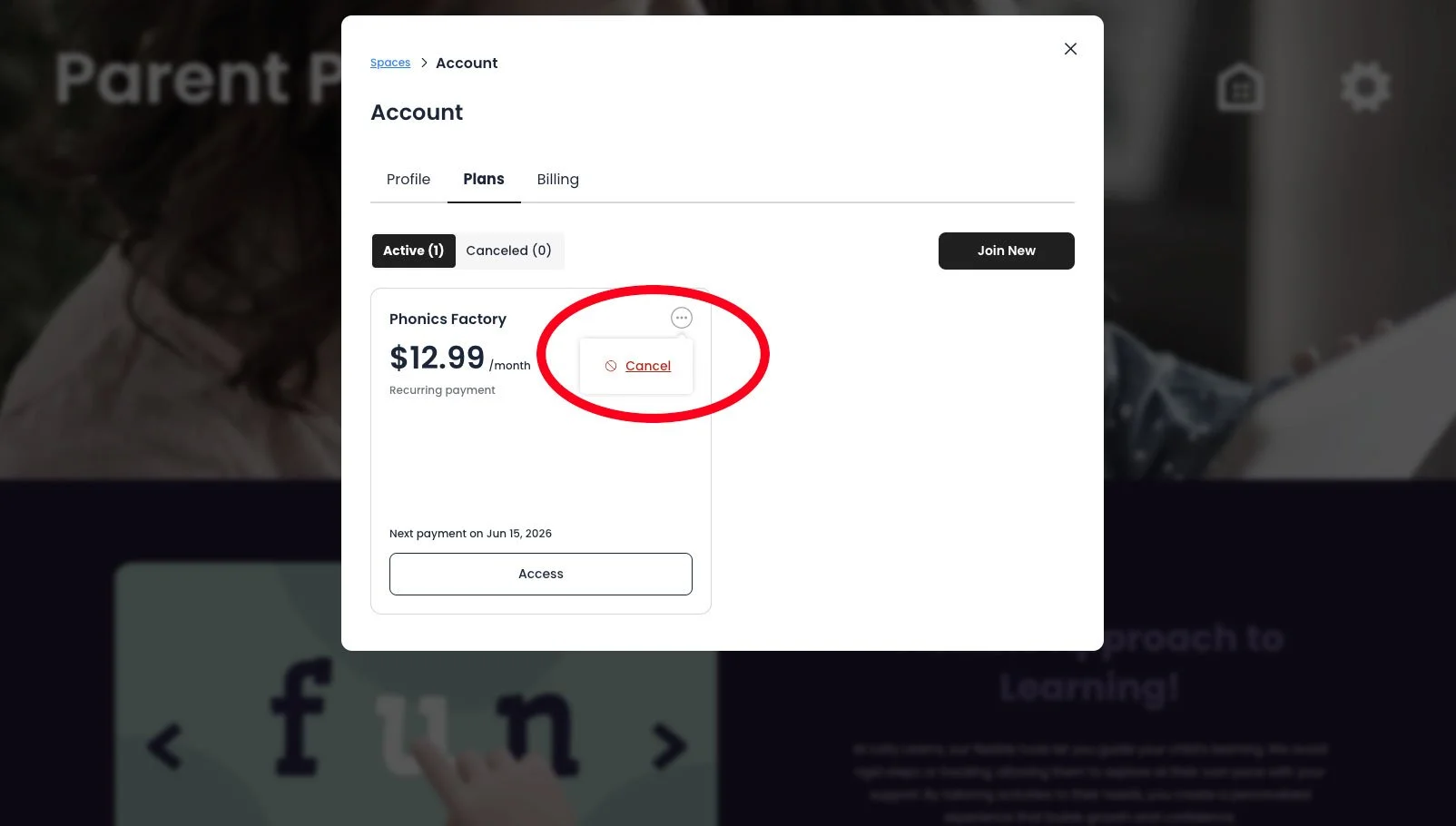
6. Click Cancel. Select Cancel from the menu that appears.
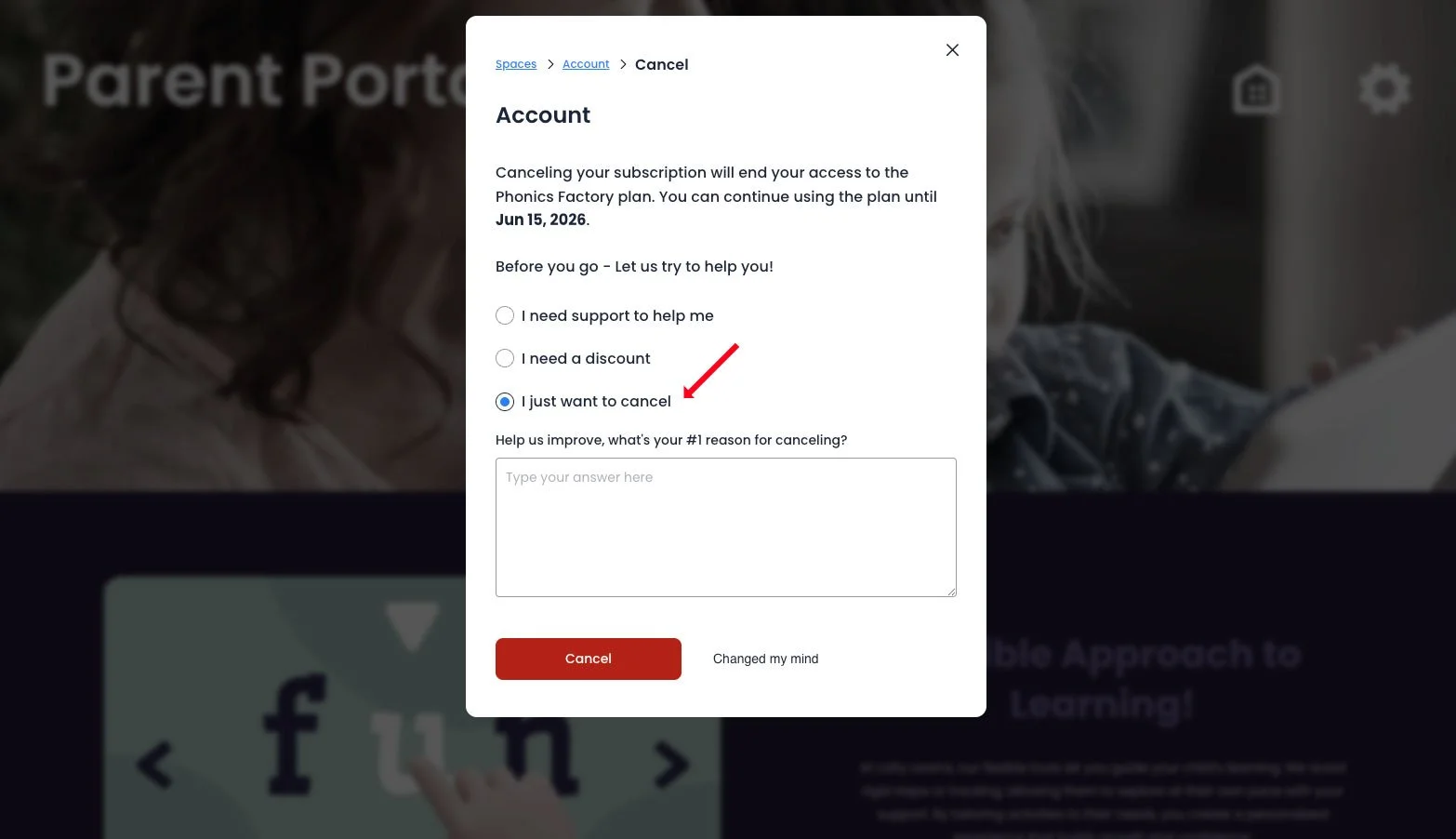
7. Confirm your cancellation. On the next screen, select "I just want to cancel" and then click the red Cancel button to complete the process.